This is a vertical scrolling html5 application. To move forward in the different stories you must press this button →
go ahead
When the “go ahead” button disappears, it means that there is a game the page
These “mini games” are of various kinds, most of the time you will have to click on the right place of the page
A flashing red circle like this →
always indicates the right spot
But don’t be fooled, sometimes there is more than one to press or it’s just fun to explore the page and discover hidden objects! So why don’t you close this window and start exploring?
go ahead
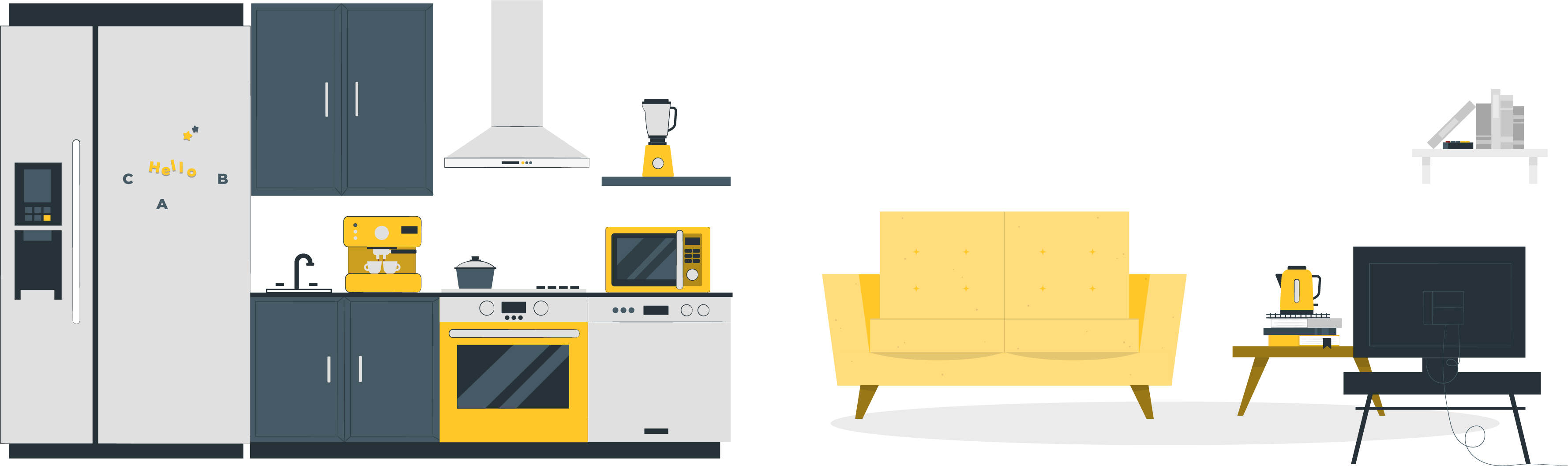
Find the electronic devices and open the story gate.
Coffee machine
Fridge
Blender
Lamp
Dishwasher
Microwave
Oven
Cooker hood
Kettle
Television
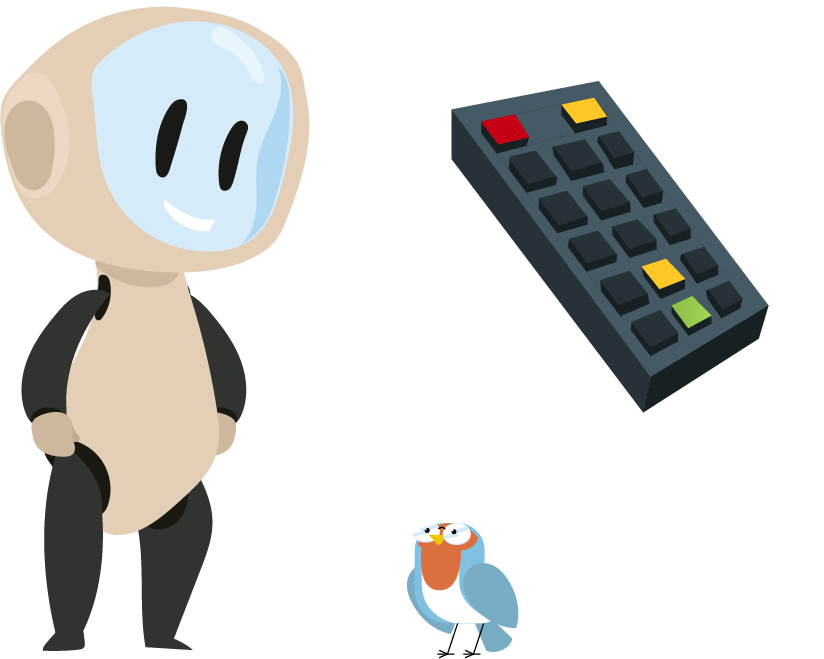
Remote
One day, Eli wanted to watch television together.
She said, “Turn on the TV, Riri.”
But I didn’t remember how to turn it on.
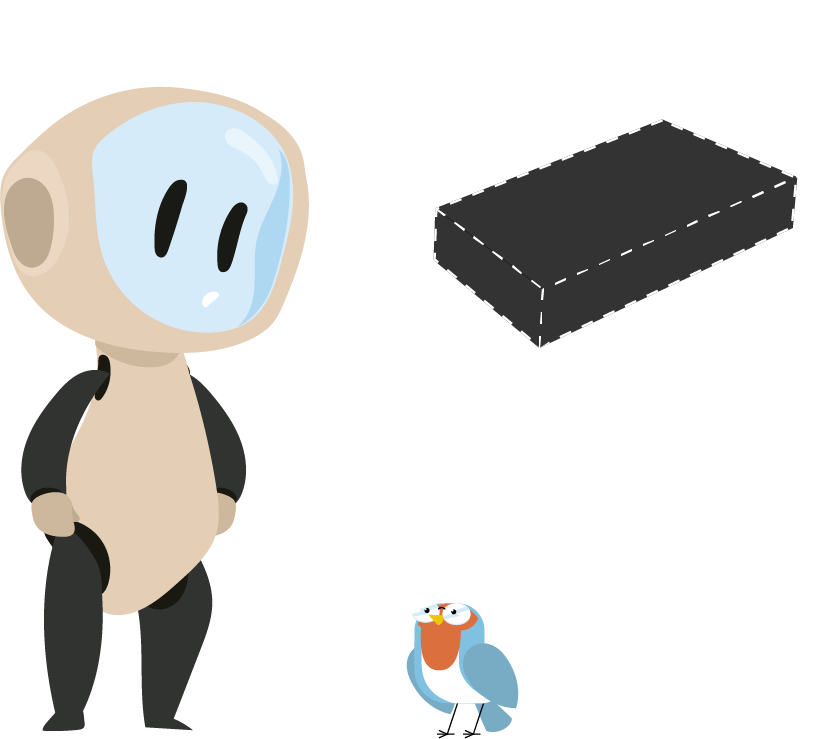
I said, “I think we need that black rectangle.”
Eli reminded me of its name,
“The Remote.”
I walked around the house and looked at all the electronic devices.
I found the remote.
“Do I know how it works? Not really.”
Eli said, “The red button, Riri!”
A loud noise came from the TV.
I was surprised: “What happened?”
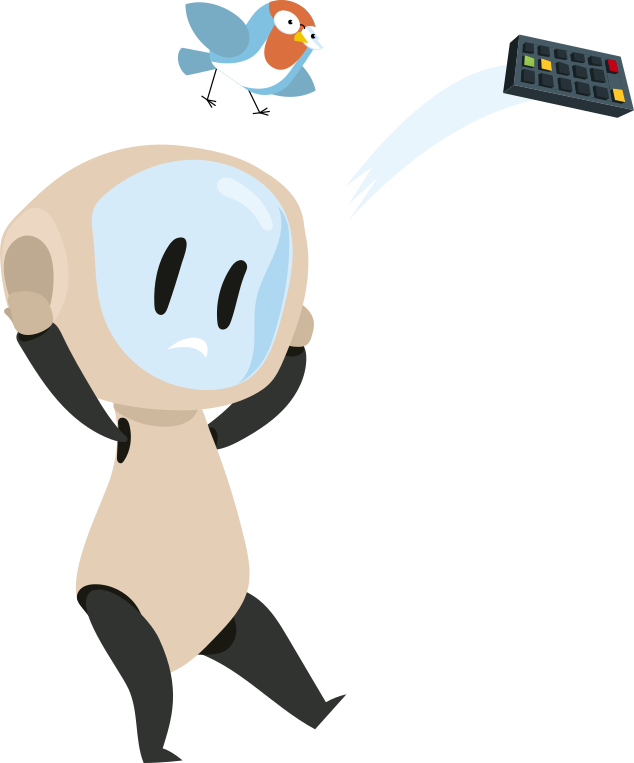
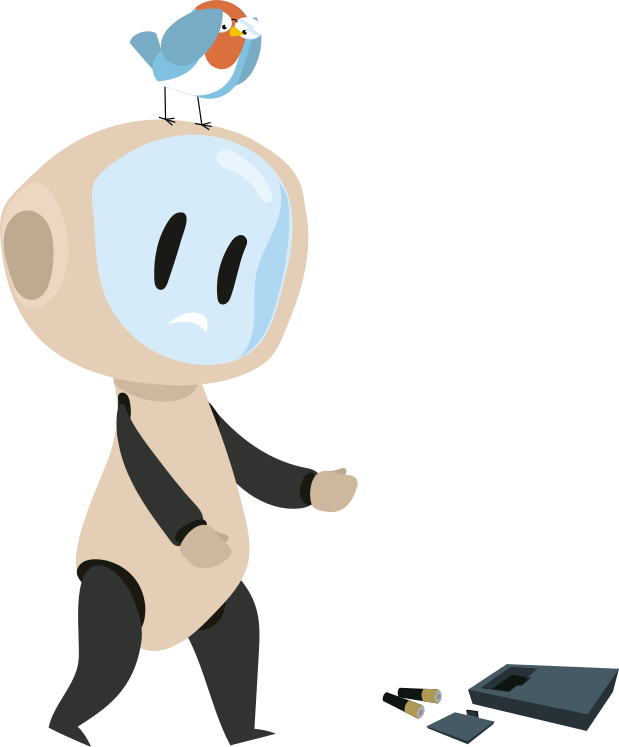
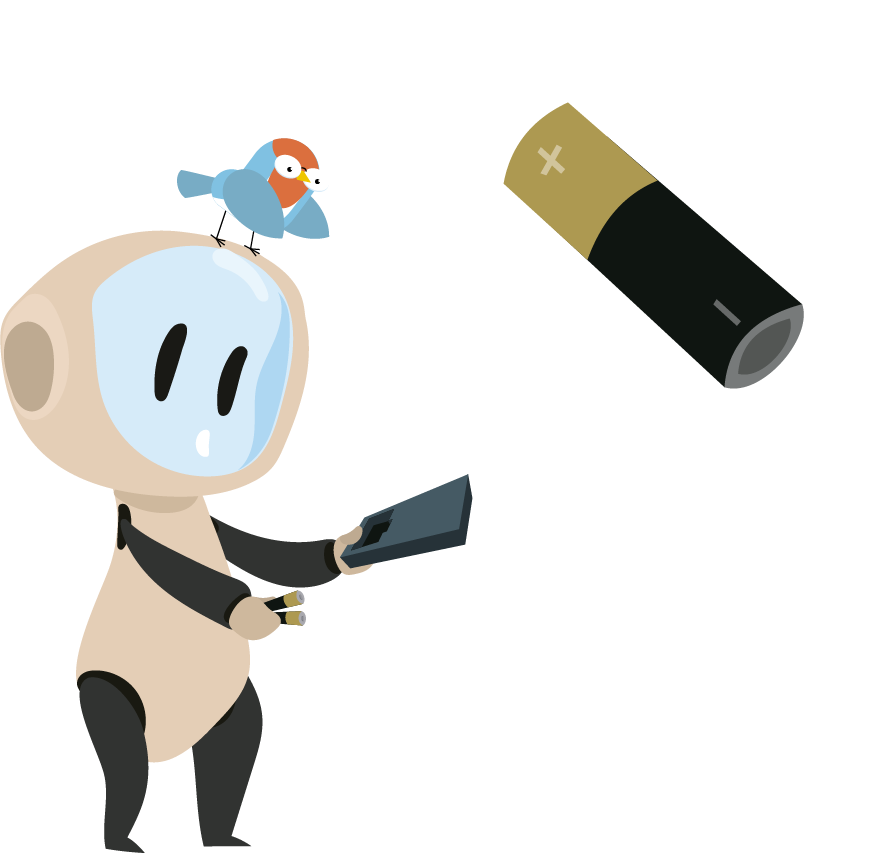
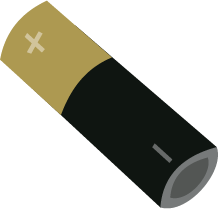
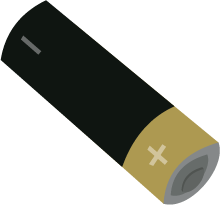
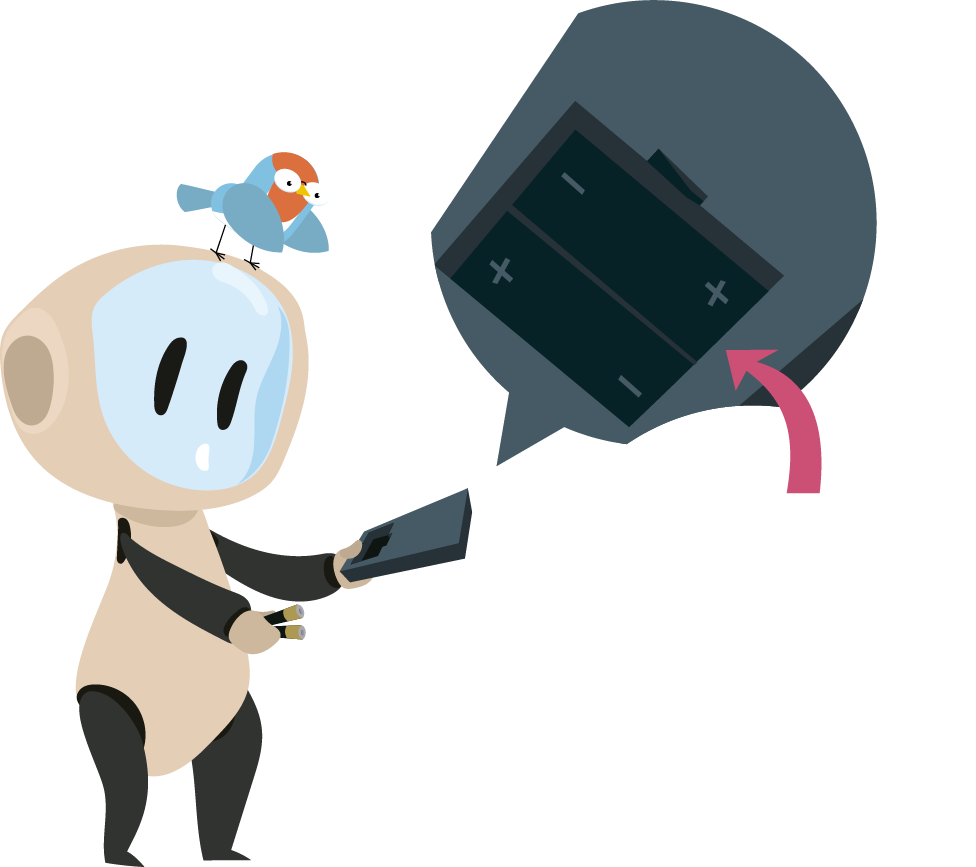
I dropped the remote. The batteries fell out of the remote.
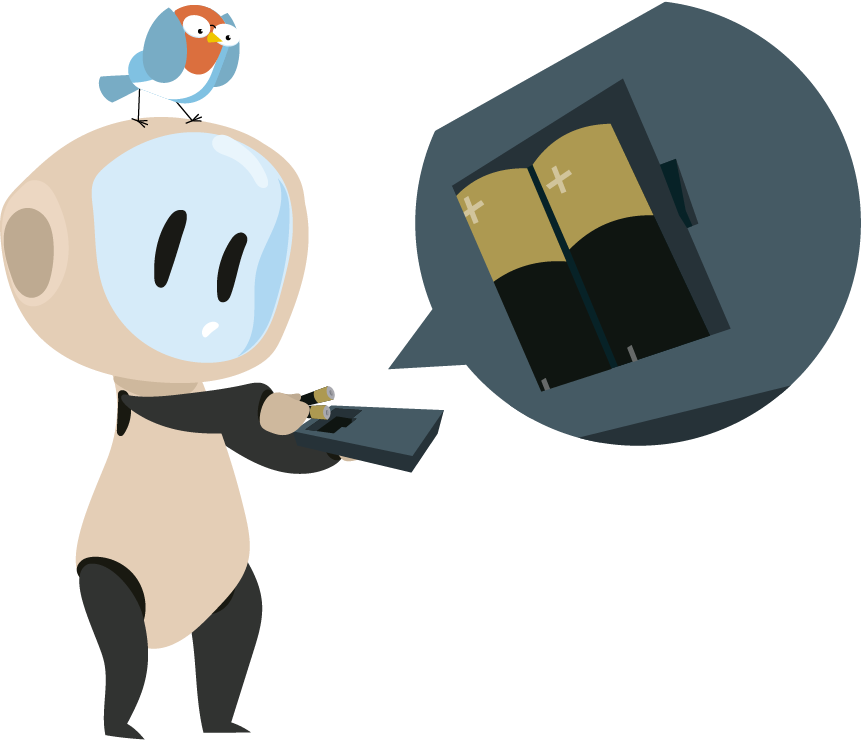
I tried to fix it. I put the batteries back.
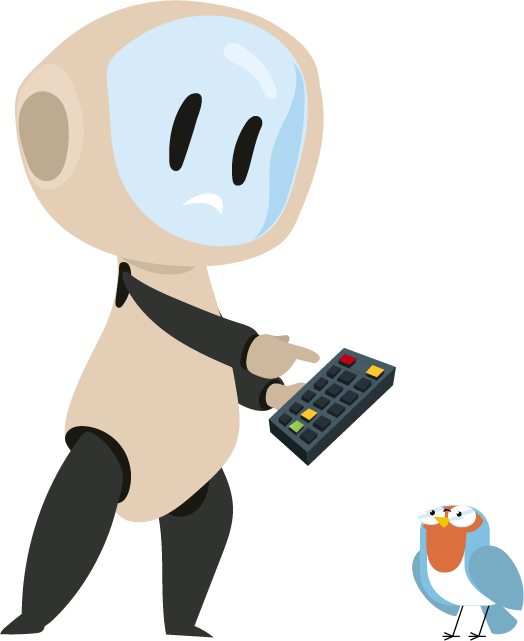
I pressed the red button. But it did not work
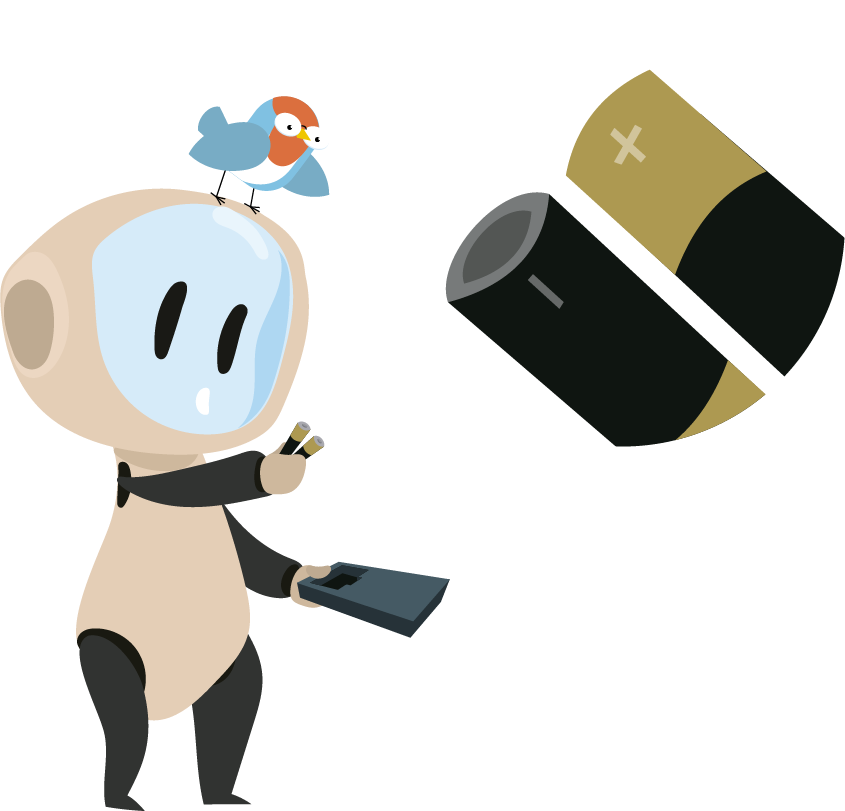
Eli said, “There are signs on the batteries.”
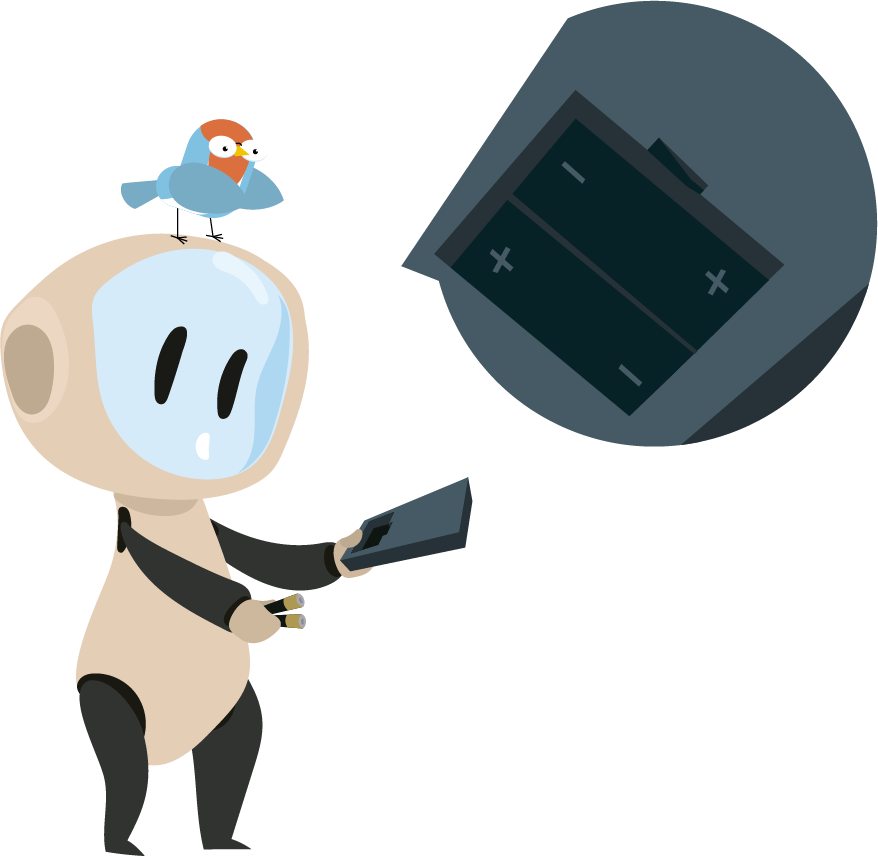
I looked closer. I saw plus and minus signs.
I was surprised again: “What are they for?”
Eli said, “The remote has the same signs.”
I matched the signs and put the batteries back.


The red light on the remote turned on again.
“Is it working now?”
Then, I pressed the button. The TV turned on.
I pressed again. This time, it turned off.
Each time I pressed the button, the TV turned on and off.
I felt very happy.
“The batteries only work when the signs match!”
I screamed.
We apologize for the inconvenience but this platform is intended for use on PCs or screens larger than 1280 px in width.